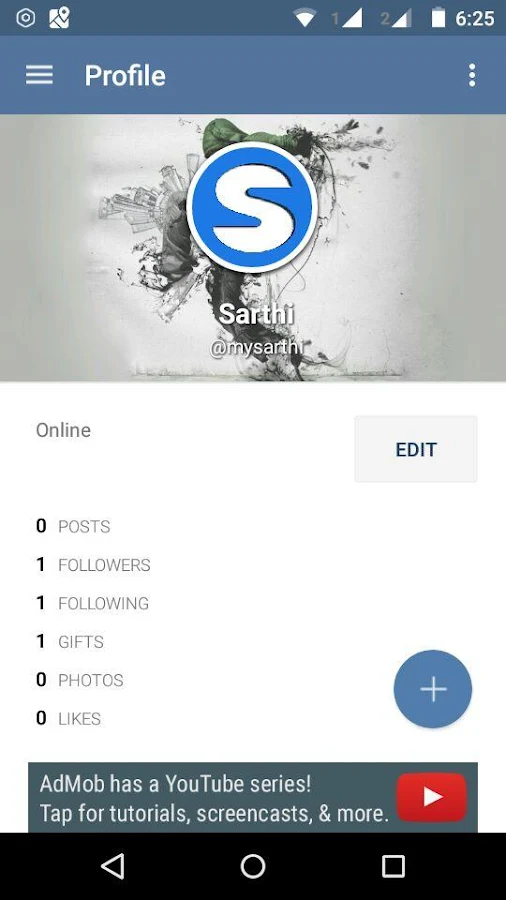
Sarthi - Social Networking App

Reference Link: http://www.esoftcode.com/Blog_Details.Aspx?Blogid=26

We have launced a new social networking app called Sarthi.
LAUNCH OFFER- FREE PREMIUM POINTS( MAIL FOR COUPON CODES)
Sarthi is great for chatting, making friends, sharing interests, and even dating! and it's free?
Sarthi - is one of the best social networking app available today!
You can find new friends, chat, flirt and even find for serious relationship. Its very easy and simple to sign up and find friends from all around world. 
  Sarthi- screenshot     Sarthi- screenshot   

Why To Choose Sarthi??
  • Chatting with anyone, doesn't matter they are in your friend list or not.
  • Find nearby people and hangout with them.
  • Share your photos, videos & stories on the go.
  • Follow anyone.
  • Get more followers by posting interesting post.
  • Know who's watching your profile.
  • Activate your profile in ghost mode. Where you can anonymously see any profile and they will not know.
  • Get profile verified.
  • You can Disable ads also.
  • Its simple and free to use.
  • You can make friends, chat, flirt or date.
  • Sarthi - Covered globally
  • Instant communication with group chat
  • Send gifts and unlock premium features
  • View profile, photos stream and nearby people.
  • Public posts and many more great features.                        

Sarthi is complete app with rich features and many more functionalities.
DOWNLOAD AND TRY IT NOW:
Website:
http://www.mysarthi.com

keywords: social, chat, chatting, date, dating, chat dating, love, timeline, post, flirt, dost, sathi, sarthi, mySarthi
How to use Sarthi:

Comments

Popular posts from this blog

Why should one build his own server?

Having your own web server is more expensive than the cheap web hosting options. But here is the benefits why would you choose to run your own web server: What happens if one of the websites get hacked on the shared server? This probably wont be your fault but all it takes is one site to be exposed and the entire web server can be hacked and yes your site too. So, better option is to host your own server. How your custom email goes into peoples junk mail folders? This will be because your web server is blacklisted. You can solve it easily if you have own server. It offers a good learning to understand server setup and configuration. You have full control, you know every bit of hardware and software that has gone into it. When you need to reset the server or install anything you don’t need to contact tech support and wait for a response, you can simply pull the plug yourself. You will never get hacked because of another persons insecure website running on the same server. You ...

Top programming languages employers want the most

Source: http://www.esoftcode.com/Blog_Details.Aspx?Blogid=30094&Blog=Top+programming+languages+employers+want+the+most There are a lot of things that need to be taken into account before making a decision, especially when it comes to which programming language you should learn. One of the easiest ways to pick the best programming language to learn for 2018 is by listening to the market. The market will tell you what the trending programming languages are for the future. We must be aware of the trends and watching the news and the rise of new technology so we can adjust the sails on which programming languages to learn, especially in 2018 with a lot of new things coming up. A web developer, you're pretty much going to be using JavaScript. If you're thinking about learning a new programming language, you don’t know much JavaScript or you're a new developer, you're probably going to find a job if you know JavaScript. Therefore JavaScript is a really good language t...

How to block unwanted emails in Gmail ?

Source:http://www.esoftcode.com/Blog_Details.Aspx?Blogid=30095&Blog=How+to+block+unwanted+emails+in+Gmail There are lots of email you received is not related to your requirements i.e. most annoying things about the internet. And it's just email spam that's fill up your inbox. You get emails from every website where you are registered. And there are many spammers who got your email id and send marketing emails on daily basis. You can not check each of spam emails that is not relevant to you. Now, Gmail makes it easy to block emails from addresses you're not interested in. How to Block Unwanted Emails in Gmail Login to your Gmail account. Find an email from the person, business, or random address that you want to block. Open the email. Click on the down arrow on the same line as the sender's name/address. Select Block "[Sender's name/address]". How to Unblock Emails in Gmail If you accidentally block the wrong person's, don't...